Rewatching a 90-minute lecture to find one formula. Highlighting an entire PDF and still blanking on the exam. Cramming the night before because your notes are a wall of half-sentences. Every student knows the cycle, and in 2026, there’s a better way.
Note taking apps for students now transcribe lectures in real time, turn PDFs into structured study guides and generate flashcards automatically. The difference between the tools is where they excel, and which workflows they actually support end to end.
This guide covers 13 best ai note taking apps for students for every use case: live lecture capture, PDF/textbook studying, iPad handwriting, flashcards and spaced repetition, and group study sessions. You’ll find a comparison table, honest pros and cons, and four copy-paste workflows to steal.
Quick Picks
Use Case
Best Pick
Best overall
Krisp
Best for lecture transcription
Otter.ai
Best for PDFs & readings
Google NotebookLM
Best for flashcards / spaced repetition
RemNote
Best for iPad handwriting
GoodNotes 6
Best free option
Google NotebookLM
What to Look for in a Note-taking AI for Students
The Four Student Modes
Class note-taking apps in 2026 cover four distinct workflows:
Lecture mode — Real-time transcription of live or recorded classes, structured notes output, speaker labels. The bottleneck is audio quality and accuracy in real classroom conditions.
Reading mode — PDF or textbook to study-ready material. The main risk is hallucination. Source-grounded tools cite the passage they drew from, so you can verify before studying.
Handwriting mode (iPad) — Apple Pencil notes with OCR search and export. Write freely, then search or pipe notes into a quiz generator.
Exam mode — Notes converted into flashcards, active recall quizzes, and review sheets — ideally linked back to the source note for context.
How to Choose
Picking the best note-taking app for students can be challenging because different use cases need to be considered.
Mostly fast lectures? → Krisp, Otter.ai, Tactiq
Mostly PDFs and readings? → Google NotebookLM, RemNote
iPad and Apple Pencil? → GoodNotes 6, Notability
Memorisation-heavy subjects? → RemNote (spaced repetition built in)
AI summaries can be confidently wrong. Before studying from any AI output:
Compare the summary to the original transcript or PDF — spot-check 3–5 facts.
Flag anything you cannot verify against the source. Delete it or mark it for manual review.
Treat AI outputs as a draft, not truth. Fill gaps from the real source.
Check technical terminology — subject-specific terms are where errors cluster most.
Never study AI flashcards without reviewing each card first.
Academic Integrity + Privacy
If you’re a college student, class note-taking apps can help review, summarize, and organize your own material.. Submitting AI-generated content as your own original work crosses into academic misconduct. Check your institution’s AI use policy before using any of these tools for graded work.
On recording: most colleges require instructor consent. Tools like Fireflies and Otter join meetings as a visible bot, and your professor can see this in an online class. Check where your audio is stored, how long it is retained, and whether it is used for model training, especially for sensitive seminars or clinical placements.
Quick look at the best note-taking apps for students
Company
Input types
Transcript quality
Summaries
iPad
Best for
Krisp
Live meetings ( through Zoom/Meet/Slack/Webex/MS Teams) and video files in the following formats: AAC, MP3, M4A, WAV, WMA, MP4, WMV
PDF, Image (.jpg, .png), Word (.doc, .docx), PowerPoint (.ppt, .pptx) (iPadOS/iOS only), Comma- or Tab-Separated Values file (.csv, .tsv).
80-85% accuracy
No
Yes
iPad handwriting + annotation
Notability
PDF, Note, JPEG, PNG, or NTB (Notability Cloud)
80-85% accuracy
No
Yes
iPad notes + audio sync
OneNote
Text, images, tables, note tags, and other types of user-defined content.
85-90% accuracy
Yes (Copilot)
Yes
Cross-platform M365 users
AudioPen
.mp3, .mp4 (Audio), .m4a, .wav, .aac, .ogg, .flac
85-90% accuracy
Yes
Yes
Quick voice capture
Evernote
PDF, Word Documents (.docx),
Text Files (.txt),
HTML Files (.html),
Markdown Files (.md),
Images (.jpg, .png, etc.),
Audio Files,
Compressed/Archive Files (.zip)
~90% accuracy
Yes
Yes
Research organization
Reflect
Images, PDFs, and general attachments to notes, OCR that extracts text from images and PDFs
85-90% accuracy
Yes
Yes
Second brain/linked notes
Best Note-Taking Apps for Students (Ranked)
Krisp — Best Overall · Best for Lectures
Best for: Students attending online (Zoom/Meet/Teams/Slack/Webex) and in-person classes who want structured notes from every session.
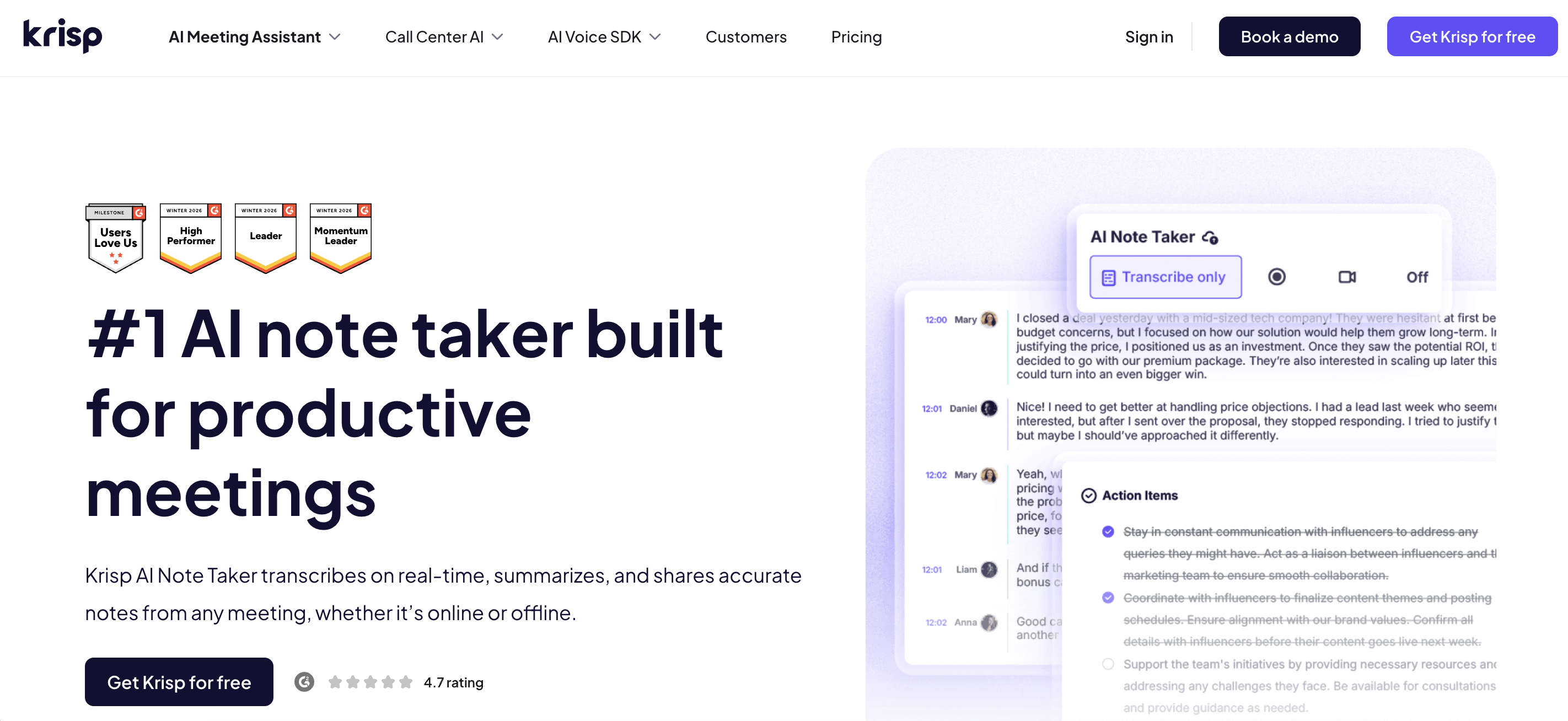
Krisp combines best-in-class noise cancellation with a full AI note taker – covering both online classes and recorded audio/video conversion from lectures in college. It transcribes the conversations at 96% accuracy, turning them into structured notes, summaries, key points and action items, not just raw transcripts, so you can study from the output immediately. Noise cancellation filters background sound before it reaches the speech-to-text engine, which means accuracy holds up in noisy lecture halls and dorms where other tools struggle. All these capabilities make Krisp one of the best note-taking apps for students.
Outputs: Structured notes, summary, key points, action items, accurate transcripts
Pros
Works across online meetings and in-person audio and video class recordings
Noise cancellation improves transcript accuracy and ensures a distraction free online class
Best for: Students who want accurate live transcription of in-person lectures with speaker identification.
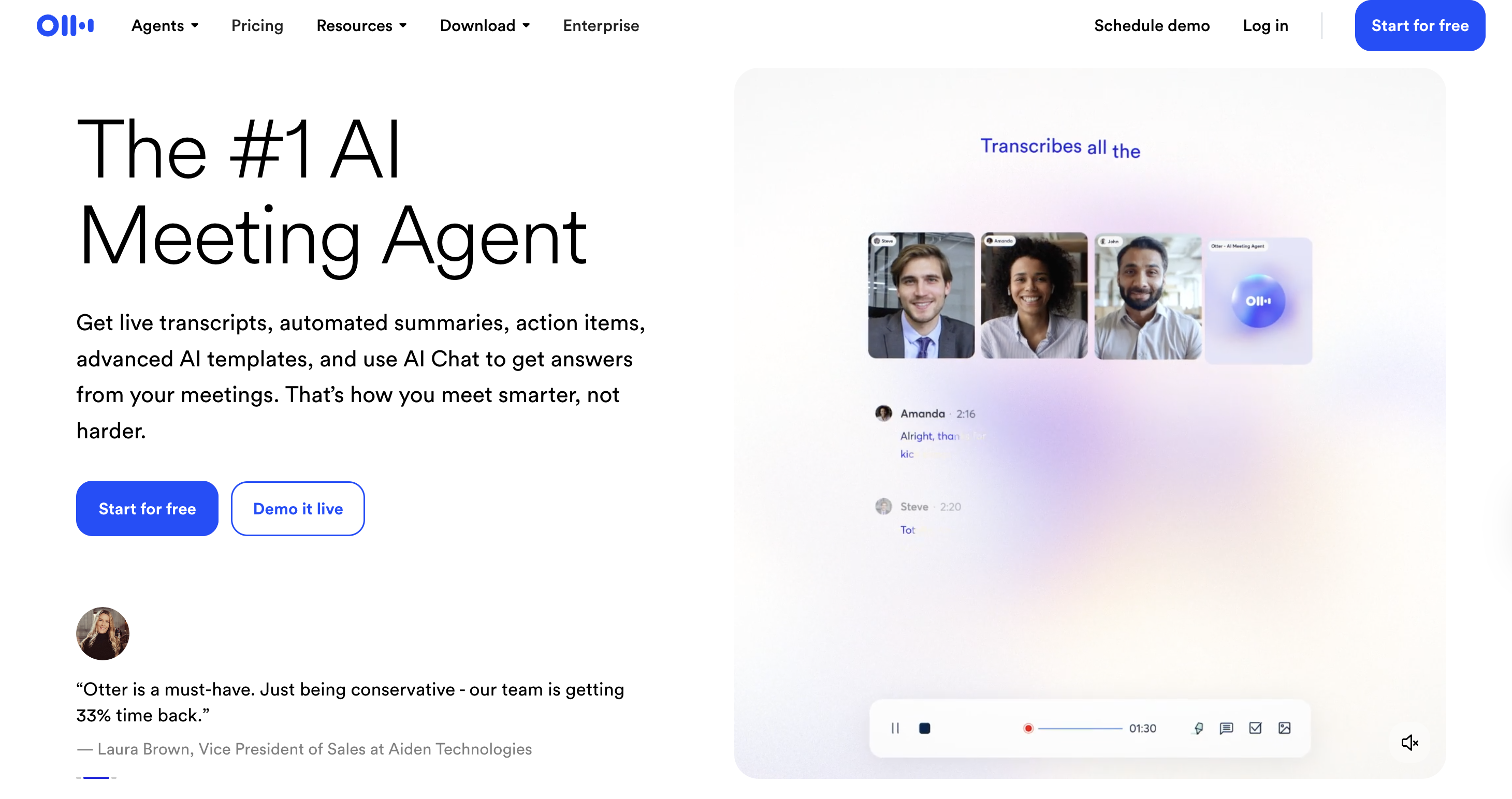
Otter.ai quickly records voice, makes text that can be searched, and speaker labels function well with most types of lectures. The AI summary and key takeaways features work well for regular material. There is no native quiz or flashcard output; the clean transcript translates nicely to RemNote or Notion for further study. The free tier provides you with 300 minutes a month, which is adequate to try but not enough for a full course load.
Outputs: Live transcript, AI summary, key takeaways, action items
Pros
Fast, accurate live transcription with speaker labels
Clean, searchable interface with annotation tools
Direct integration with Zoom, Google Meet, and Microsoft Teams
Cons
No flashcard or quiz output natively
300 min/month free tier runs out quickly for full-time students
Pricing: Free (300 min/month); Pro plan available starting from $8.33
Google NotebookLM — Best for PDFs and Textbooks
Best for: Students with heavy reading loads, textbooks, research papers, and assigned PDFs, who need study guides grounded in the actual source.
NotebookLM is the most important free tool for reading-mode studying. Every answer it generates cites the exact passage it drew from, this is the key property that makes it safe to study from. Upload a PDF, Google Doc, YouTube video, or web URL and it generates study guides, key terms, FAQs, and timelines. The Audio Overview feature creates a two-host discussion of your material, which works well for auditory review before an exam.
Outputs: Study guides, key terms, FAQs, timelines, quizzes, Audio Overview — all grounded in uploaded sources
Pros
Source-grounded: every claim cites the exact passage in your document
Handles multiple sources simultaneously, compares chapters or cross-references papers
Audio Overview useful for auditory learners
Cons
Not a lecture capture tool — document inputs only
No spaced repetition or flashcard deck export
Pricing: Free plan available, Pro plan starting from $4.99
RemNote — Best for Flashcards + Spaced Repetition
Best for: Memorisation-heavy subjects, anatomy, biochemistry, history, languages
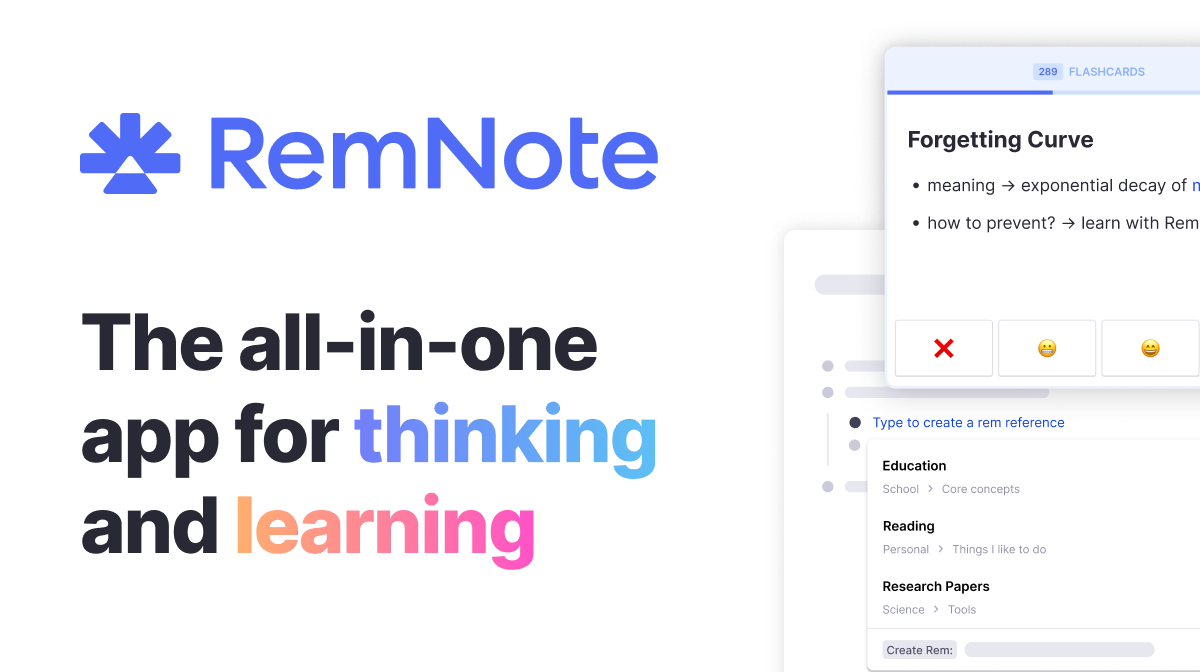
RemNote is one of the best note taking apps for college students that integrates note-taking and spaced repetition into one system. Write notes, and the AI converts concepts into flashcards that enter a built-in spaced repetition scheduler, the same mechanism as Anki, without the separate app. PDF upload to flashcard generation works well.
Outputs: Structured notes, flashcards with spaced repetition scheduling, Anki export, PDF export
Pros
Native spaced repetition built into notes, no separate Anki required
PDF upload to flashcard generation pipeline is practical
Anki export for migration or sharing with others
Cons
Steeper learning curve than simpler tools
AI-generated cards need manual review before studying
Mobile app less polished than web version
Pricing: Limited free tier available; Pro plans starting from $8
Tactiq — Best for Zoom and Google Meet Classes
Best for: Students in fully online programmes or hybrid classes using Zoom or Meet as their primary classroom.
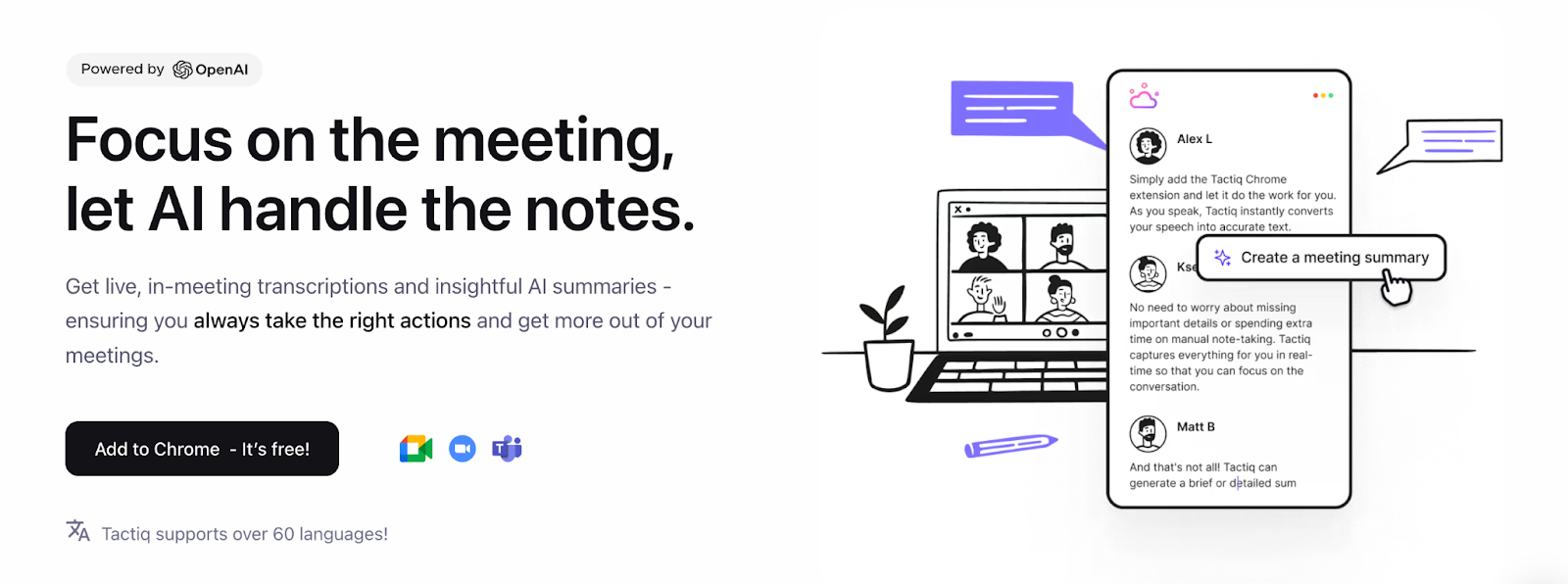
Tactiq is a browser extension that captures transcripts directly from Zoom, Google Meet, and Microsoft Teams. No bot joins your lecture — useful if you want to avoid signalling to instructors that you are recording. AI summary and highlights work cleanly, and transcripts export directly to Notion, Google Docs, or Slack. These features make Tactiq one of the best note-taking apps for college and university students who frequently attend online classes.
Outputs: Live transcript, AI summary, highlights, key topics
Pros
No bot joins the meeting — less visible to instructors than bot-based tools
Minimal setup — install the extension and it works
Direct export to Notion, Google Docs, Slack
Cons
Browser-only; no mobile capture for in-person use
No quiz or flashcard output
Pricing: Limited free tier available; Pro plans starting from $8
Fireflies.ai — Best for Study Groups and Team Projects
Best for: Students running group study sessions or project calls who need a shared searchable recap.
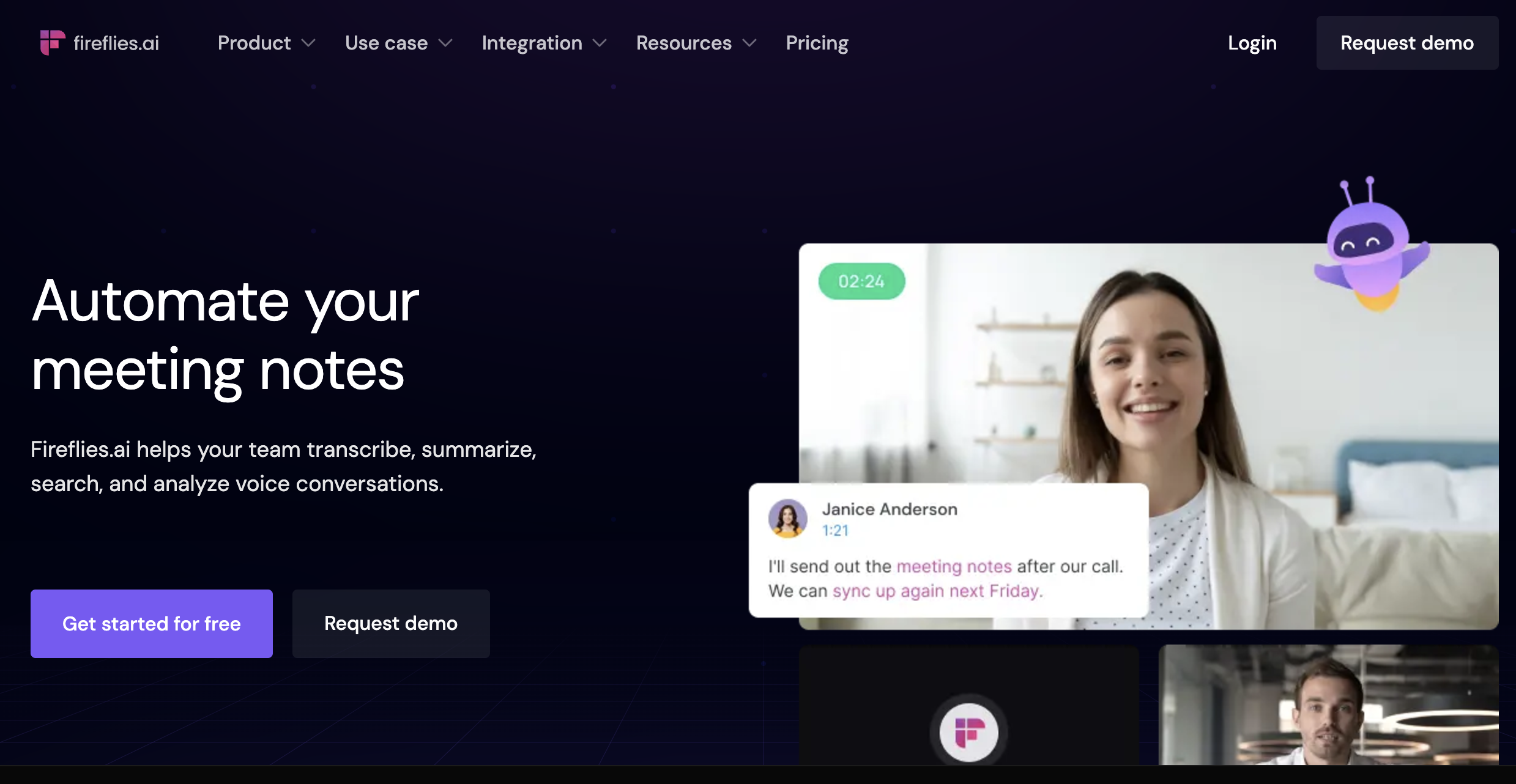
Fireflies can be used as a note-taking AI for students as it joins your meeting as a bot, records and transcribes the session, and produces a searchable transcript with AI summary, topic threads, and action items. The team workspace lets all members search, comment on, and clip moments from any shared session. Also handles uploaded audio files, so you can transcribe a recorded lecture from your phone.
Outputs: Full transcript, AI summary, topic threads, action items, shared team workspace
Pros
Team workspace with shared search — ideal for project groups
Handles uploaded audio files as well as live meetings
Topic-level navigation through long sessions
Cons
Bot joins the meeting visibly — consent considerations apply
No flashcard or quiz output
Free tier limits storage and AI features
Pricing: Limited free tier available; Pro plans starting from $10
GoodNotes 6 — Best for iPad Handwriting and Annotation
Best for: iPad users who think and sketch better with a stylus and want best-in-class OCR search across handwritten notes.
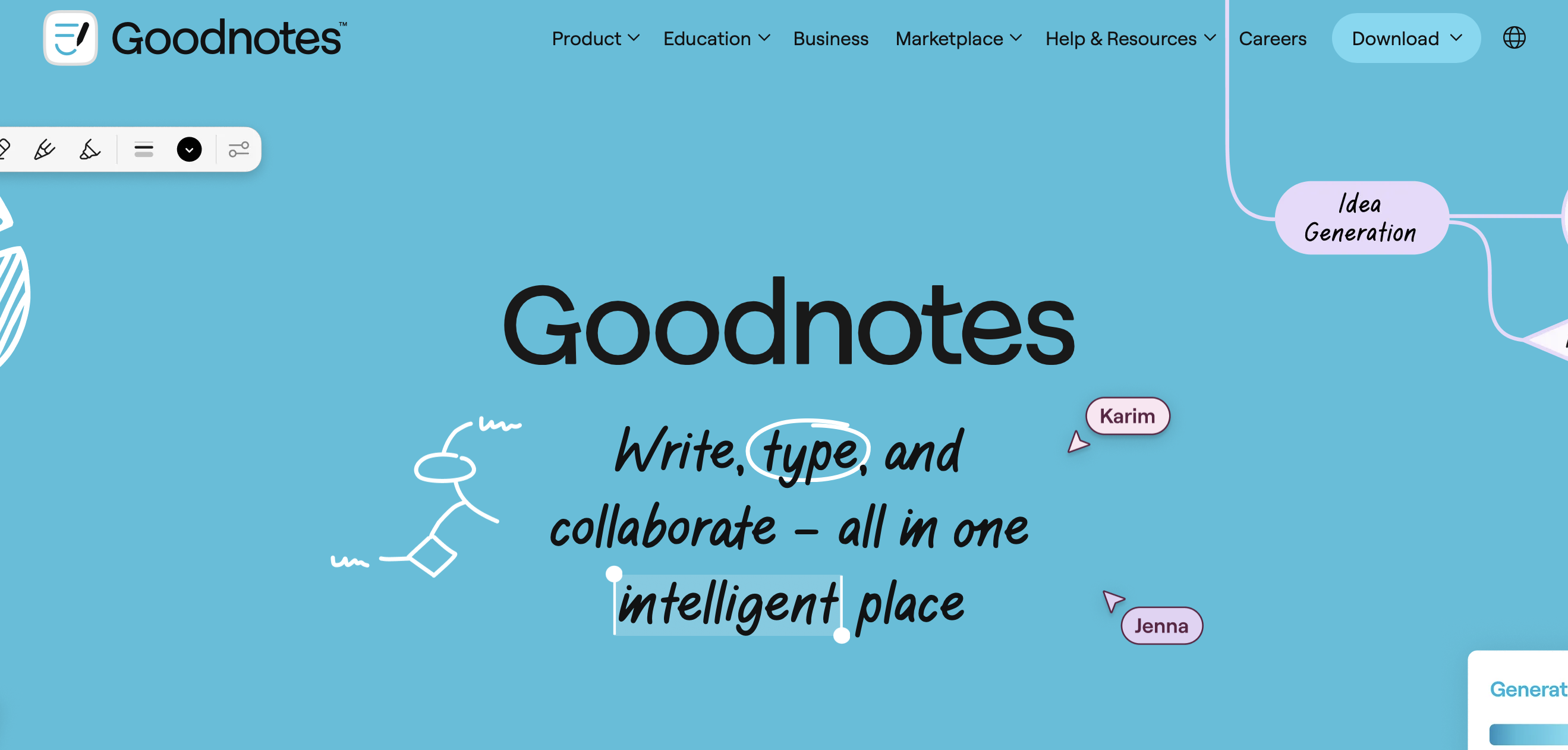
GoodNotes 6 is the gold standard for Apple Pencil note-taking. OCR is fast and accurate — search handwritten notes as if they were typed. PDF annotation is excellent: import lecture slides or textbook pages and write directly over them. The GoodNotes AI layer adds handwriting-to-text conversion and smart erasing. Due to iPad annotations, GoodNotes is widely used and is one of the best note taking apps for college.
Best-in-class handwriting recognition and OCR search
Excellent PDF annotation — write directly on slides or textbook pages
Offline capable — works without internet during note-taking
Cons
No transcription, quiz, or flashcard features
iPad and Apple Pencil only — not cross-platform
Pricing: Limited free tier available; Pro plans starting from $11.99
Notability — Best for iPad Notes with Audio Sync
Best for: iPad students who want to record lecture audio synced to the exact moment they were writing.
Notability’s signature feature is audio-synced handwriting: record audio while writing notes, then tap any word you wrote to jump to that moment in the recording. For dense lectures where you couldn’t get everything down, this is invaluable. Strong PDF annotation and OCR search round out the package.
Audio-synced notes — tap any handwritten word to hear what was said at that moment
Strong PDF annotation and template support
Good OCR search across handwritten content
Cons
Subscription model — ongoing cost vs GoodNotes one-time purchase
AI transcription less accurate than Krisp or Otter
Pricing: Limited free tier available; Pro plans starting from $19.99
Microsoft OneNote — Best Free Cross-Platform Option
Best for: Students already in the Microsoft 365 ecosystem who want a free notebook that works on every device.
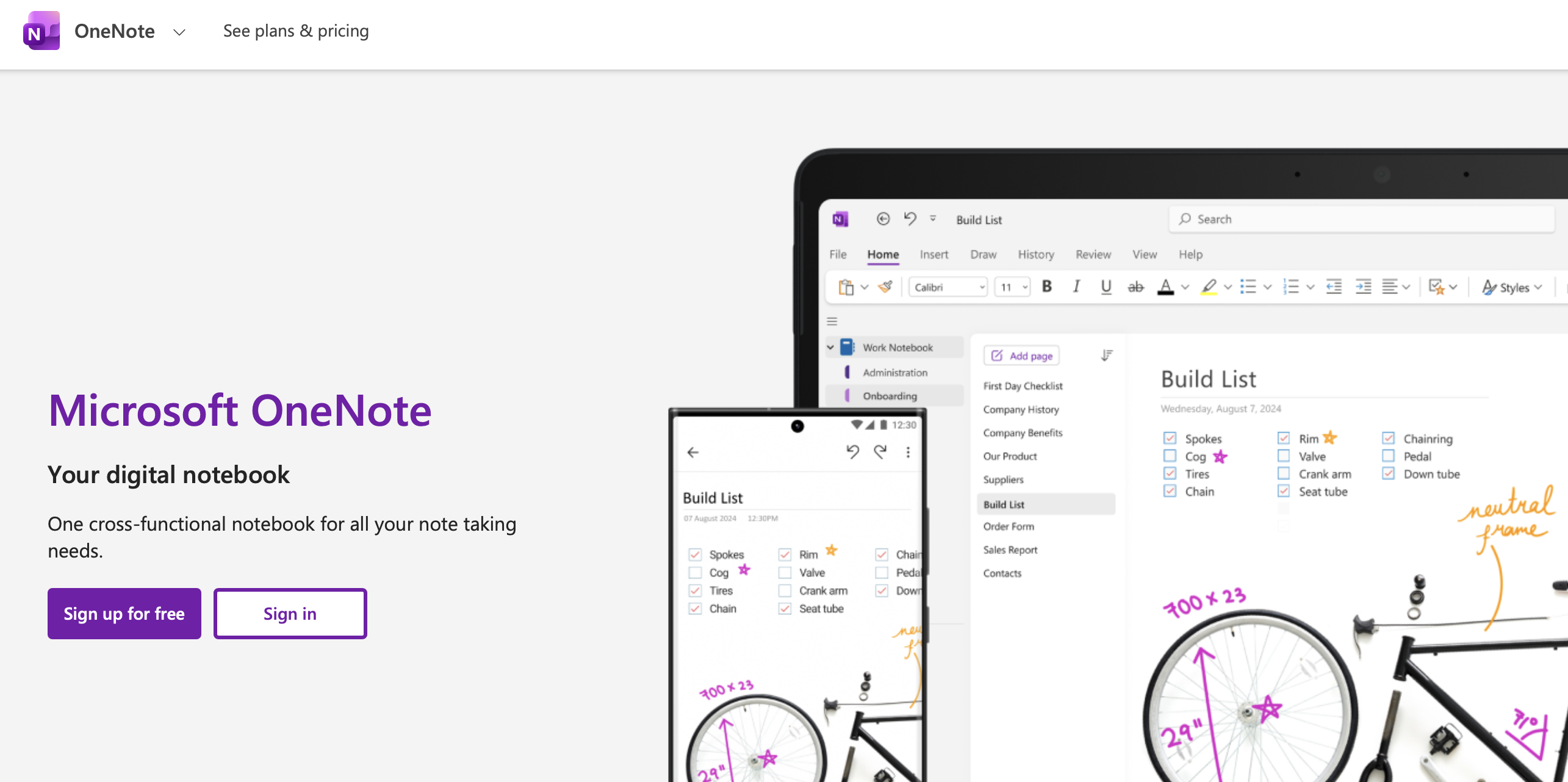
OneNote is a solid choice as a note taking app for college students, as it’s free with any Microsoft account and runs on Windows, Mac, iOS, Android, and web. It supports typed notes, handwriting (Apple Pencil or Surface Pen), audio recordings, image insertion, and PDF annotation. Microsoft Copilot adds AI summaries where available. Not the best at any single thing, but its breadth and zero cost make it a solid default — especially for students with university Microsoft 365 access.
Completely free with a Microsoft or university account
Genuinely cross-platform — Windows, Mac, iOS, Android, Web
Handles handwriting, audio, typed notes, and images in one place
Cons
Not the best at transcription, handwriting, or flashcards specifically
Copilot AI features require Microsoft 365 subscription
Pricing: Free tier available; Pro plans starting from $6.99
AudioPen — Best for Quick Voice Capture
Best for: Students who want to dictate post-lecture reflections or reading reactions and get structured notes back automatically.
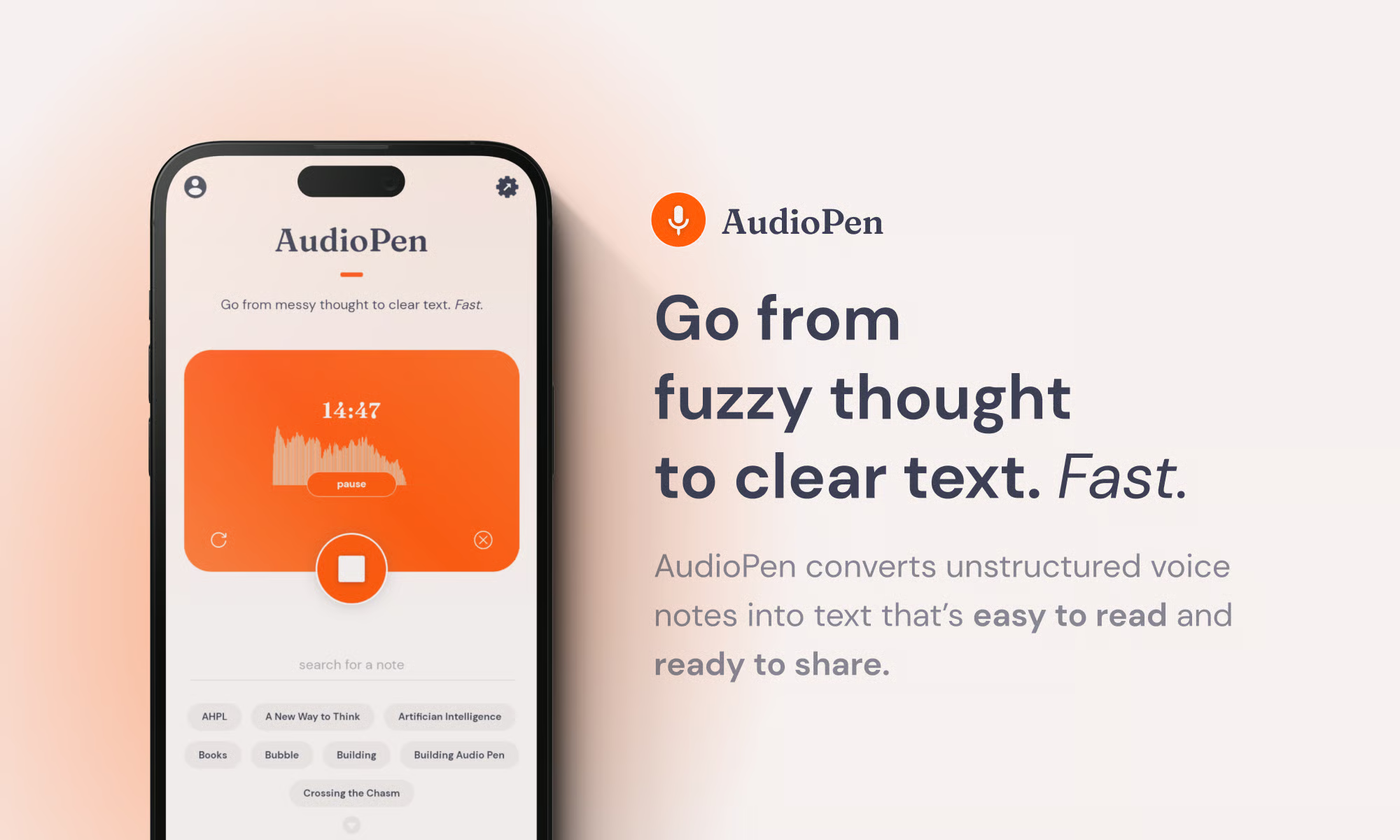
AudioPen is focused: speak for up to 30 minutes, get a clean structured summary back. Designed for quick voice memos, idea capture between classes, or talking through a problem and getting organised notes. Not a full lecture transcription tool, but its simplicity is the point.
Outputs: Structured written summary from voice input
Pros
Near-zero setup — speak and get structured notes
Good for post-lecture reflections and idea capture on the move
Accurately restructures rambling speech into clear notes
Cons
Not suitable for full lecture transcription
No flashcards, quizzes, or deeper study output
Pricing: Free plan available; $99 for yearly pass
Notion AI — Best for Organisation and Class Hub
Best for: Students who want one workspace for all course content — notes, readings, assignments, and deadlines — with AI built in.
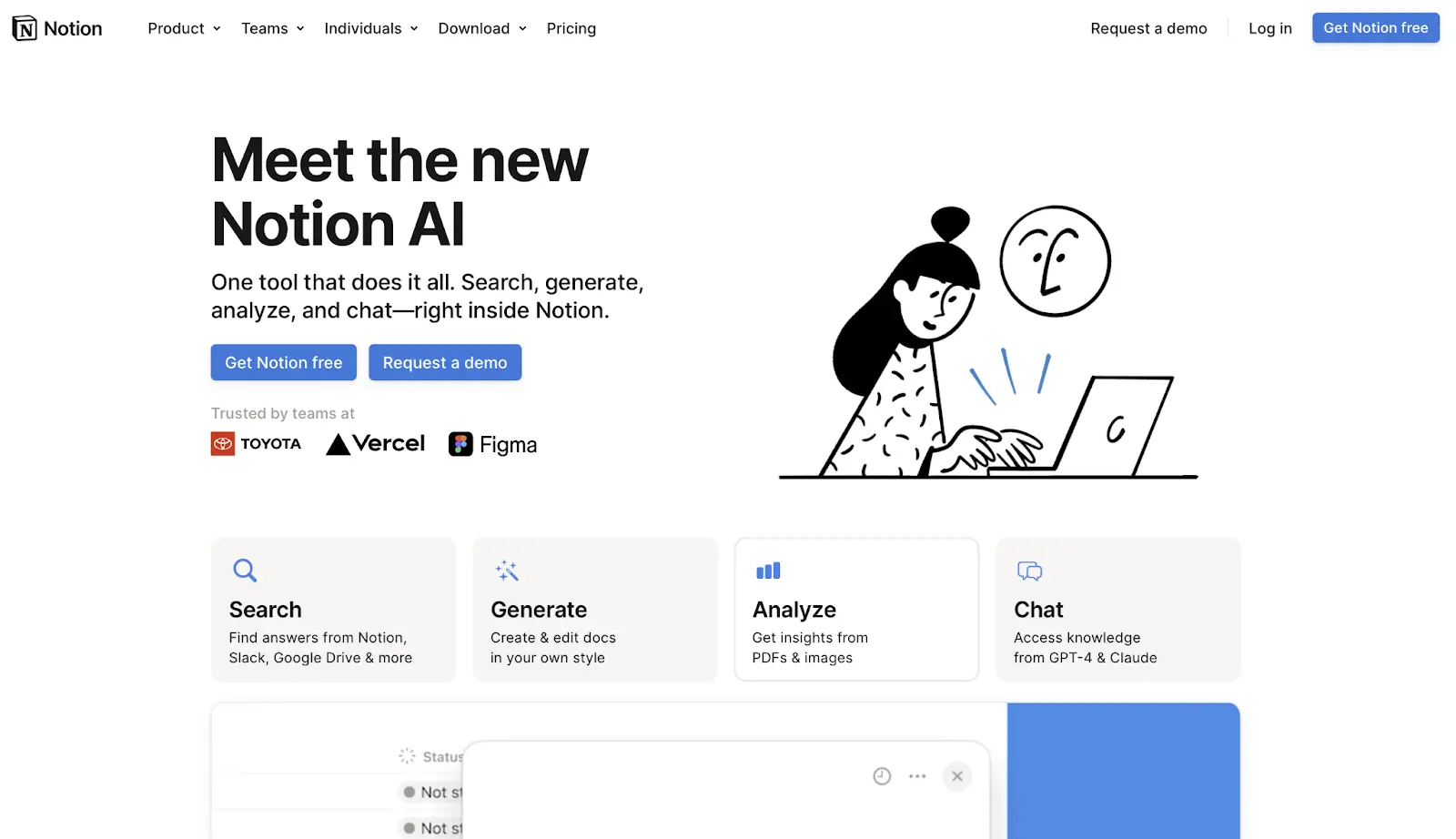
Notion AI is one of best choices among note taking apps for students as it adds AI summarisation, writing assistance, and Q&A to Notion’s powerful database and page system. It is not a capture tool, but it is the best home base for organising notes that come from other tools. Common workflow: capture lectures in Krisp, export the transcript, paste into Notion, use Notion AI to extract key points or draft a review sheet.
Outputs: AI summaries, Q&A over notes, writing drafts, organised databases and pages
Pros
Excellent organisation system — databases, tags, linked pages, templates
AI Q&A works well over pasted transcript or reading notes
Flexible enough to manage assignments and deadlines too
Cons
Not a capture or PDF-grounded study tool
AI features require paid Notion AI add-on
Pricing: Free tier (limited AI); Notion AI add-on paid; check for student pricing
Evernote — Best for Research Organisation
Best for: Students managing large volumes of web research, clipped articles, and mixed-media notes across multiple courses.
Evernote is a mature note organiser with strong web clipping, PDF annotation, and cross-device sync. Evernote is a solid note-taking AI for students as its AI features on paid plans add summarisation. Not a transcription tool, but its powerful full-text search — including inside PDFs — makes it solid for research-heavy courses.
Outputs: Organised notes, web clips, annotated PDFs, AI summaries (paid)
Pros
Excellent web clipper — save articles and PDFs with one click
Full-text search across all content including inside PDFs
Mature, stable platform with reliable cross-device sync
Cons
AI features require paid plan
No transcription, flashcard, or quiz output
Pricing: Free tier available; Pro plans starting from $8.25
Reflect — Best for Networked / Second-Brain Notes
Best for: Students who want to build a connected knowledge base, linking ideas across courses over a full semester.
Reflect is the best networked note-taking app for college built on bidirectional links and daily notes. The AI layer (GPT-4 powered) helps with summarisation, brainstorming, and writing drafts inside your notes. The value is long-term: students who use Reflect consistently build a connected web of ideas that makes revision and essay writing faster.
Review the AI-structured notes immediately after class — correct errors while the lecture is fresh.
Paste key concepts into RemNote or NotebookLM and generate practice questions.
Answer questions without looking at notes (active recall) — mark anything you got wrong.
Schedule wrong-answer cards for spaced repetition review before the exam.
Workflow B: PDF → Source-Grounded Study Guide → Exam Sheet
Upload the PDF, chapter, or paper to Google NotebookLM.
Ask it to generate: key terms, a study guide outline, and 10 likely exam questions.
Verify every key claim against the cited source passage — delete anything unverifiable.
Export the verified study guide to Notion or a Word document.
The night before the exam: read the guide, cover it, write out everything you remember.
Workflow C: iPad Handwritten Notes → Export → AI Quiz
Take handwritten notes in GoodNotes 6 or Notability during the lecture.
Use GoodNotes OCR search to find any concepts for review.
Export note pages as PDF.
Upload the PDF to NotebookLM and generate quiz questions from your handwriting.
Study with the original handwritten notes open for context.
Workflow D: Group Study Session → Recap → Topics List
Run the group session on Zoom or Meet with Fireflies.ai (or Krisp) active.
After the session, review the AI-generated action items and topic list.
Each person takes one topic thread — writes summary notes in their own tool.
Share summaries in a shared Notion workspace.
Use Notion AI to synthesise all contributions into a single exam prep document.
Frequently Asked Questions
Krisp is the best note-taking app for students, it covers both online and in-person capture, produces structured notes rather than raw transcripts, and its noise cancellation improves accuracy in real environments. Otter.ai is the benchmark for pure transcription accuracy if every word matters.
Google NotebookLM is the clear leader, free, source-grounded, and handles multiple documents simultaneously. RemNote is better if you want to convert that reading material directly into spaced repetition flashcards.
GoodNotes 6 for handwriting and annotation, paired with Krisp for audio capture and NotebookLM for the PDFs you annotate. GoodNotes OCR lets you search handwritten notes; exporting pages as PDF feeds them into any AI study tool.
RemNote — notes and spaced repetition in one app with Anki export. If you already use Anki, tools like RemNote and NotebookLM can generate cards for import.
Google NotebookLM is free and excellent for PDF studying. Otter.ai offers 300 free transcription minutes per month. Microsoft OneNote is free and cross-platform. For a full stack at no cost: NotebookLM (PDFs) + Otter.ai (lectures) + OneNote (organisation).
In good conditions, top tools achieve 90–95%+ accuracy. In noisy environments or with heavy technical vocabulary, accuracy drops. Yet, since Krisp has strong noise-cancelling technology, its accuracy is even above 95%.
Rules vary by institution. Most universities require instructor consent. Send a quick email at the start of term, most professors are happy to clarify. For online classes, note that bot-based tools are visible to instructors.
Use source-grounded tools (NotebookLM) for readings. For lecture summaries, compare AI output to the raw transcript. Treat all AI content as a first draft. Review every AI flashcard before it enters your study rotation.
Paste lecture notes or transcript into NotebookLM and ask for a study guide, key terms list, and 10 likely exam questions. Verify against the source, copy into Notion or a Word doc, and highlight the highest-priority items. Review the night before — cover the sheet and write out what you remember.
Yes. Krisp, Tactiq, Otter.ai, and Fireflies.ai all integrate with Zoom, Google Meet, and Microsoft Teams. Krisp and Tactiq are the lightest-weight options. Note that some tools join as visible bots; Tactiq’s browser extension is less visible.